Plex Media Server
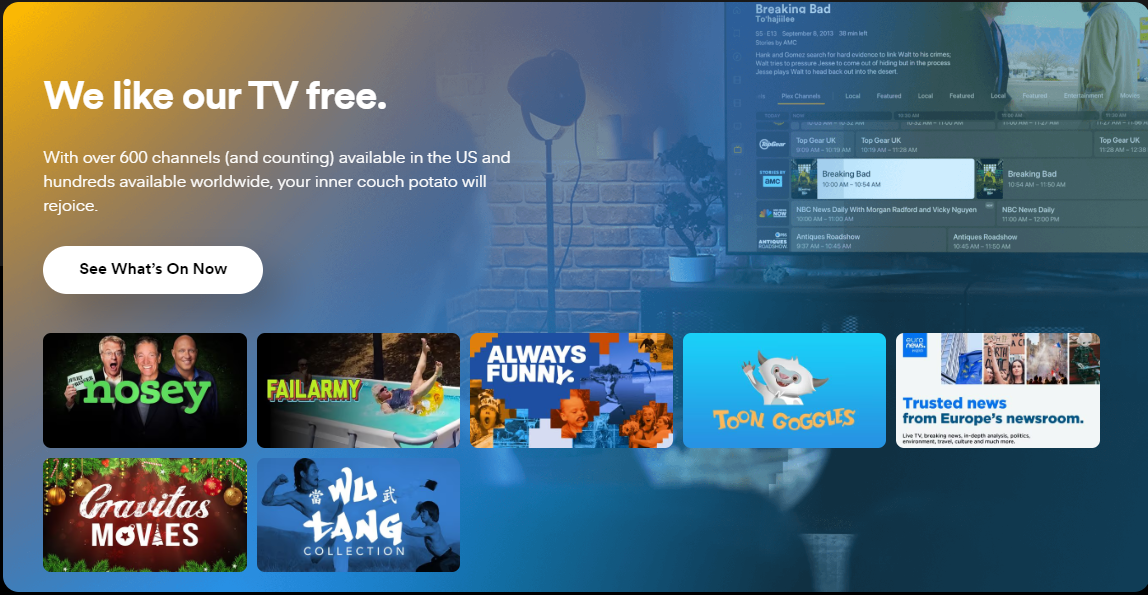
Plex Media Server is Your Personal Media Streaming Platform, used for Video Server . Plex is a personal media streaming platform that allows you to organize, stream, and enjoy your media collection across various devices, with live TV, free movies, and advanced DVR capabilities.
Prepare
When referring to this document to use Plex Media Server, please read and ensure the following points:
-
Login to Websoft9 Console and find or install Plex Media Server:
- Go to My Apps listing applications
- Go to App Store installing target application
-
This application is installed by Websoft9 console.
-
Please check the application's usage license agreement to ensure compliance.
-
Configure the domain name or server security group opens external network ports for application access.
Getting started
Initial setup
-
After installing Plex Media Server on the Websoft9 console, view the application details through My Applications and obtain the access URL in the Access tab.
-
When accessing the URL in a local browser, it will redirect to the Plex official website to guide you through registration.
-
After completing the registration, you can watch TV and movie programs.