Meilisearch
Meilisearch is Refreshingly simple search, enhanced by AI, used for Data Search Engine AI Agents/Chatbots/RAG . Meilisearch is a fast, open source, easy-to-use search engine that supports real-time indexing and efficient queries.
Prepare
When referring to this document to use Meilisearch, please read and ensure the following points:
-
Login to Websoft9 Console and find or install Meilisearch:
- Go to My Apps listing applications
- Go to App Store installing target application
-
This application is installed by Websoft9 console.
-
The purpose of this application complies with the MIT open source license agreement.
-
Configure the domain name or server security group opens external network ports for application access.
Getting started
Add Index
-
After installing Meilisearch on the Websoft9 console, view the application details through My Applications and obtain the access URL in the Access tab
-
The browser accesses the URL and currently has no Index
-
Use the following command to send an index data
curl \
-X POST ' http://IP:Port/indexes/movies/documents ' \
-H 'Content-Type: application/json' \
--data-binary '[
{ "id": 1, "title": "Justice League", "genre": ["Action", "Adventure"] },
{ "id": 2, "title": "Wonder Woman", "genre": ["Action", "Fantasy"] },
{ "id": 3, "title": "The Avengers", "genre": ["Action", "Sci-Fi"] },
{ "id": 4, "title": "Inception", "genre": ["Action", "Sci-Fi", "Thriller"] },
{ "id": 5, "title": "The Dark Knight", "genre": ["Action", "Crime", "Drama"] }
]' -
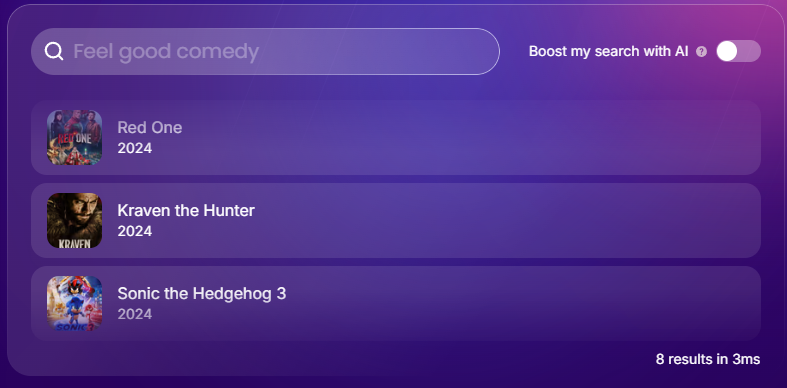
Returning to the page again, the index data can be displayed normally